Project-level consistency
Context, style text and moodboard stay attached to every item, so a batch of assets keeps one direction.

AI 3D asset production for designers and art teams
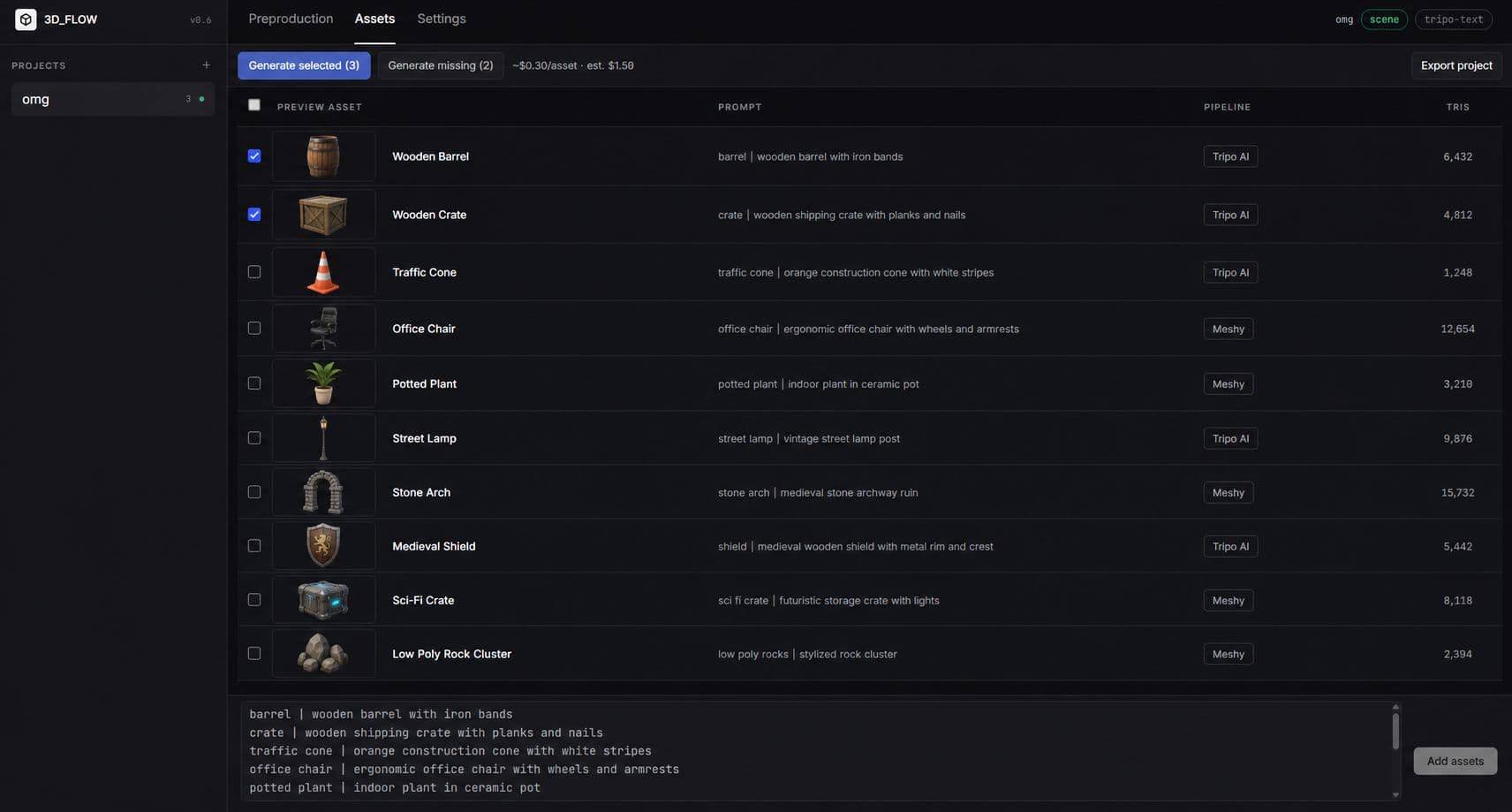
TheCube Flow turns project context, moodboards, item prompts and visual references into production-ready 3D models. It is built for batches, not one-off generations.
What Flow does
Instead of choosing between text-only prompts or image-only tools, Flow lets a designer combine context, style, moodboard, scene extraction, references and multiview inputs.
Context, style text and moodboard stay attached to every item, so a batch of assets keeps one direction.
Start from a generated or uploaded scene image, identify the objects and turn them into editable assets.
Review a single-object preview before generating the expensive 3D model.
Keep multiple generations per asset, restore older results and track poly count, size and active state.
Use Tripo, Hunyuan, Rodin, SAM 3D and image models through one workspace instead of scattered tools.
Subscription opens the workspace; generation spend is controlled through credits and admin management.
Designer workflow
The process is intentionally progressive: define consistency first, then create references, then spend on 3D only when the input quality is high enough.
Name the project and describe the world, product line or scene context once.
Write a style brief or upload up to 20 moodboard images to extract a shared visual direction.
Add items manually, generate a detailed list from a prompt, or extract objects from a scene image.
Create a clean full-object preview for each item on a neutral background before spending on 3D.
Generate front, back, left and right views for models that need multiview input.
Send the best available inputs to the selected provider, compare versions and export GLB.
Generation intelligence
When information is missing, Flow falls back through a clear priority stack. This keeps generations predictable and avoids random additions that were not in the designer brief.
Ways to start
Generate a detailed asset list from a brief.
Generate a scene first, then extract visible objects.
Upload an image and convert detected objects into assets.
Add or edit items directly when the list is already known.
Access and spend control
Users subscribe to access the production workspace. AI generation cost is handled through credits, so teams can control fal.ai spend separately from the subscription gate.
Builds coherent asset sets: references, views, 3D versions and exports.
Finishes renders and post-production directly from Blender workflows.